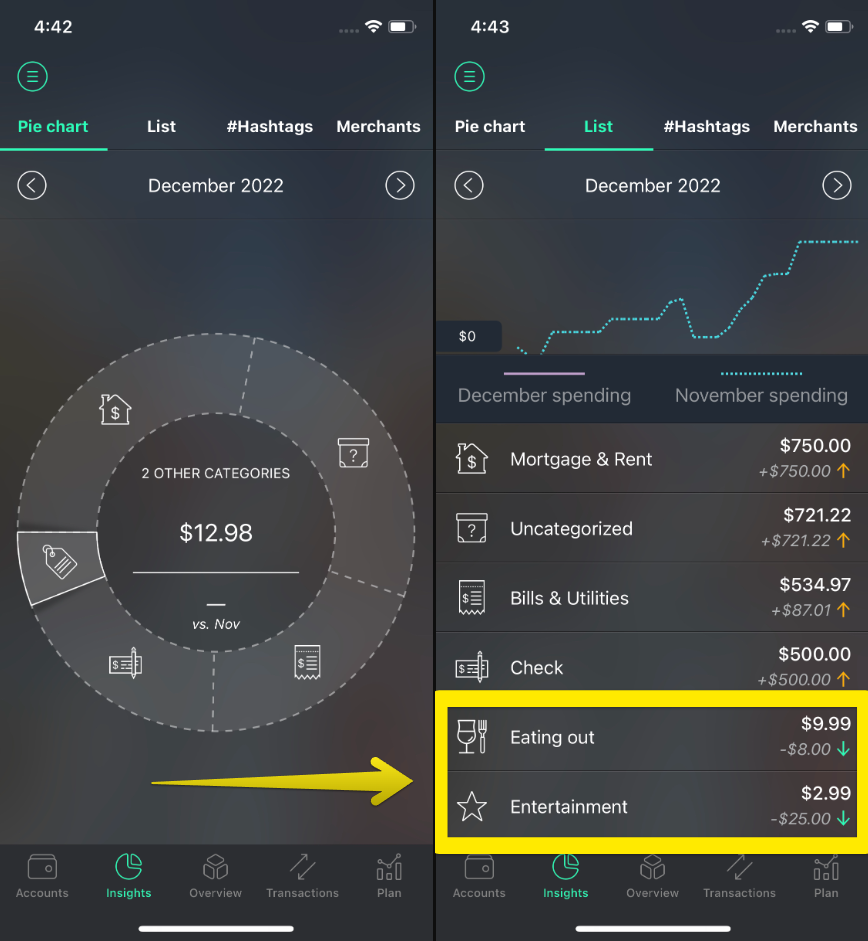
You may view all your transactions by category in the Insights section.
To do that, please complete the following steps:
- Go to Insights;
- You’ll see a pie chart of your spending. Hit the icon of the category to see the total amount of your spending in the particular category, or hit List to find all transactions for the same category;
- Choose the category by which you want to view the transactions;
Note: The “Other categories” category in the pie chart includes the categories in which you’ve spent less than 5% of your total expenses.