

How to change the email or other personal info associated with my profile?
February 27, 2026
To change the email associated with your PocketGuard profile, you need to do the following:
- Go to the sidebar.
- Tap the Profile section.
- Tap Email (green arrow button).
- Enter a new email and the current profile password.
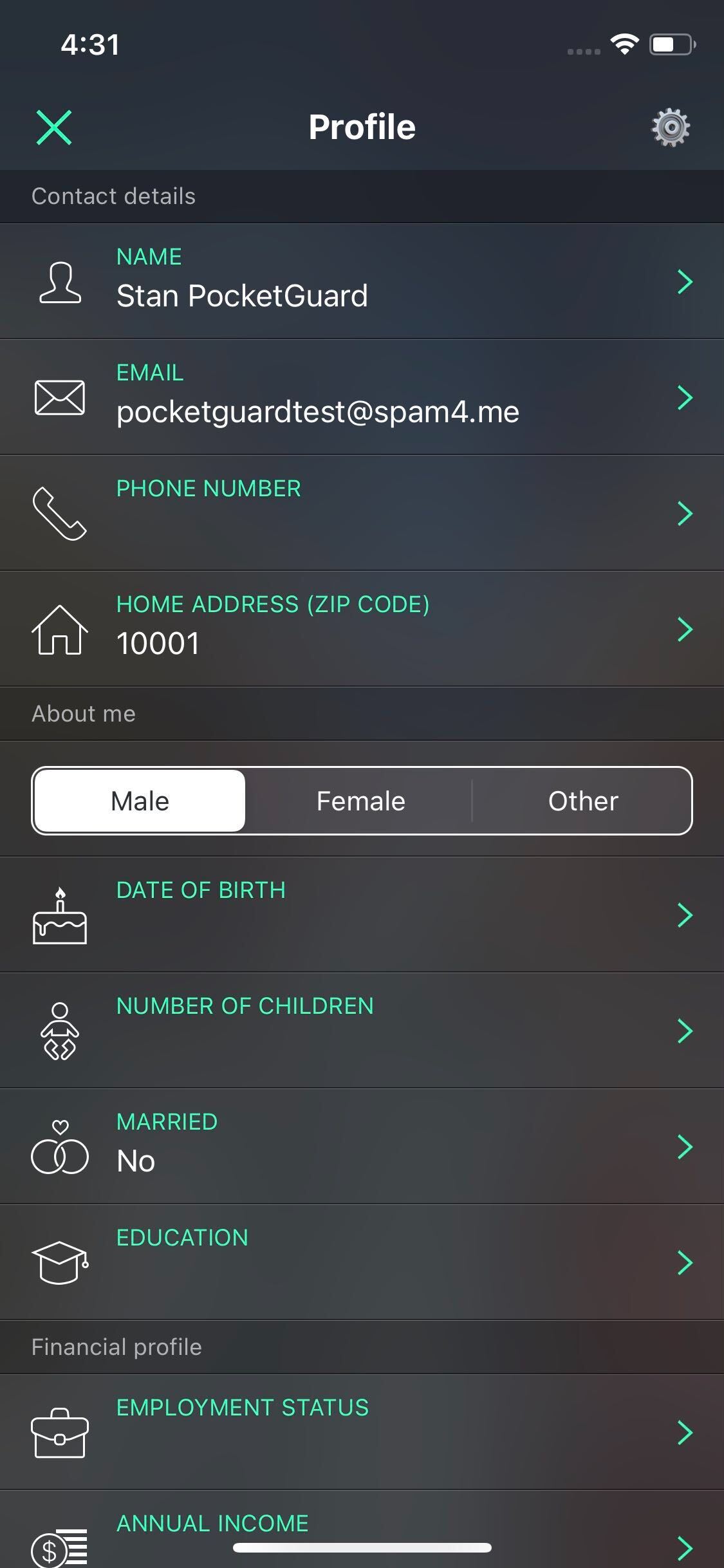
You can also fill in or change the name, phone number, zip code, “About me,” and “Financial profile” sections.
Note that these fields are optional, so you don’t need to input any data there if you don’t want to.