PocketGuard Plus is a premium membership that unlocks advanced budgeting, tracking, and customization features to help you manage your money more effectively.
What do you get with PocketGuard Plus?
With PocketGuard Plus, you can:
- Connect unlimited bank accounts
- Create custom categories and budgets
- Build a debt payoff plan
- Set unlimited savings goals
- Automate transaction rules
- Import and export transaction data
- Split transactions and attach receipts
- Use advanced cash tracking features
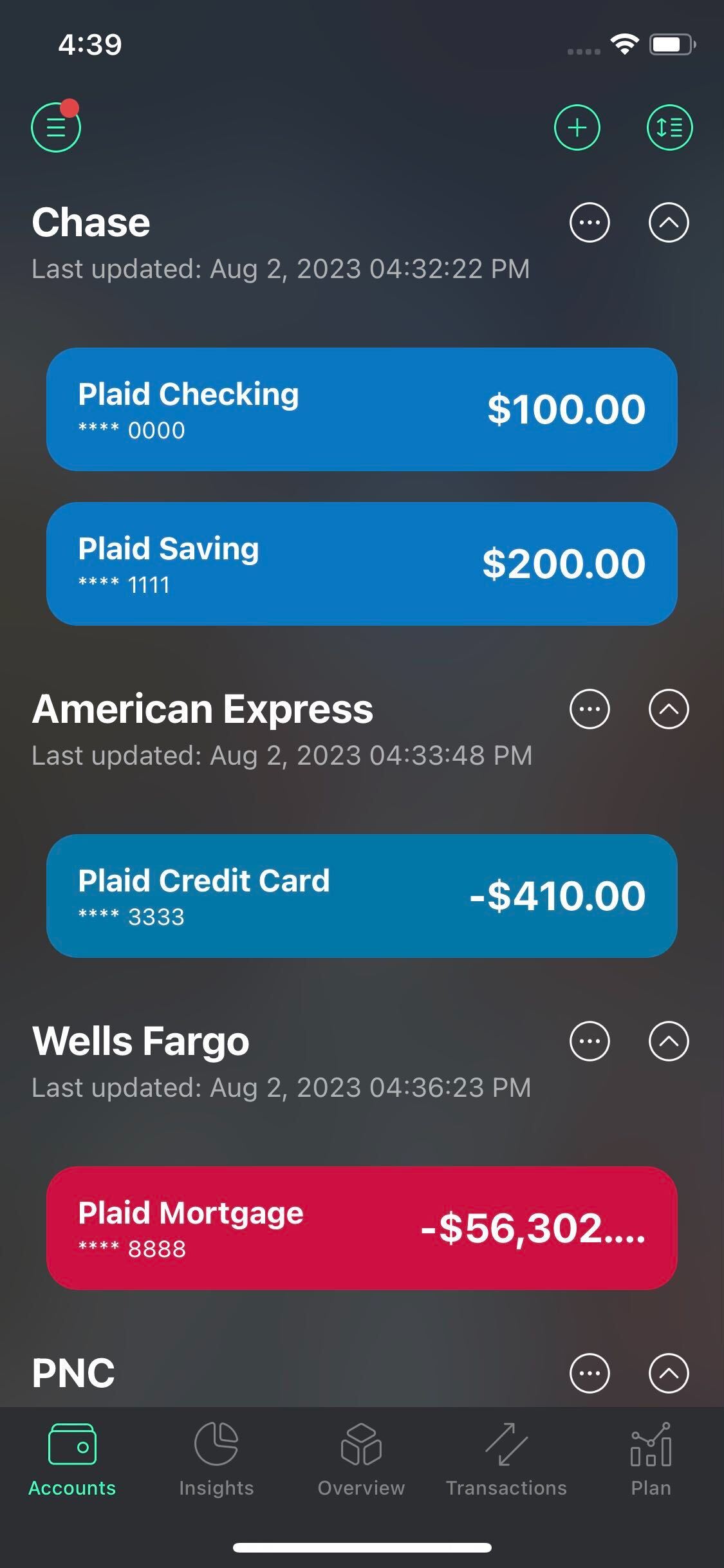
Unlimited bank connections
Connect as many bank accounts as you need.
Set a debt payoff plan
Become debt-free by prioritizing your loans and building a payoff strategy with minimum losses or with maximum progress.
Find more information here: Debt payoff plan.
Create custom categories
Get even more insight into your spending habits by creating your own categories, like the money you spend on “Gas & Fuel”, “Family dinners”, “Crafts”, or “the name of your pet“. See it on the spending pie-chart and set Category budgets.
Find more information here: Adding your own categories.
Change the date of external transactions
In case some transactions got cleared in the wrong month and threw the data off, you can change the posted date of these transactions and make your calculations more accurate.
Find more information here: Change the date of the transaction.
Export transactions
If you wish to have a better overview of your transactions, create customized spending trends, convert data into graphs and charts using MS Excel or Google Sheets tools, you can now download your transaction history in a CSV format.
Find more information here: Export transactions.
Import transactions
Import transactions may come in handy if you want to get a full transaction history just in seconds. All you have to do is choose your financial institution or budget app, attach a bank statement in a CSV file, and choose a cash account. If you can’t find your bank, feel free to select the Generic option as the file source.
Find more information here: Import transactions.
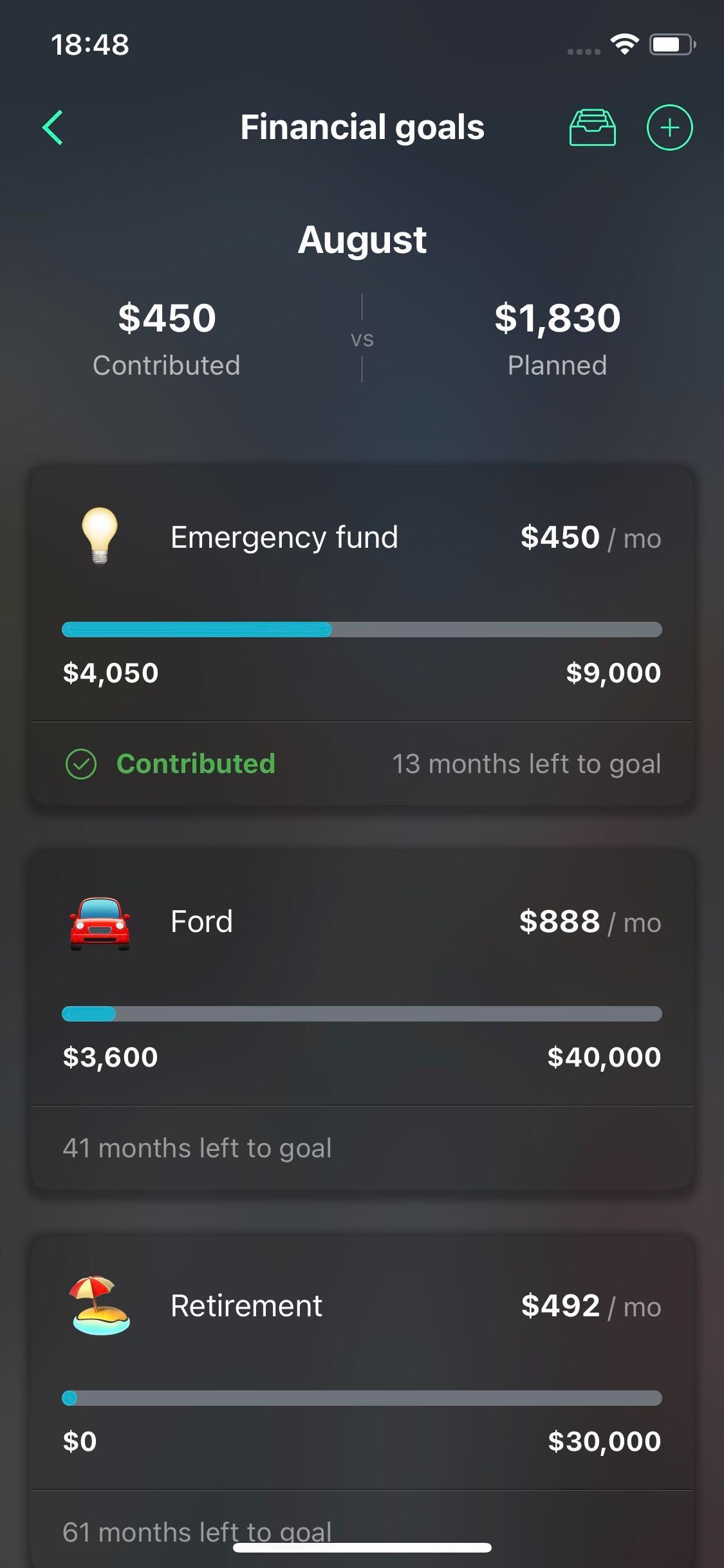
Unlimited savings goals
Create as many Goals as the accounts you linked to the app, including Cash.
Find more information here: Goals.
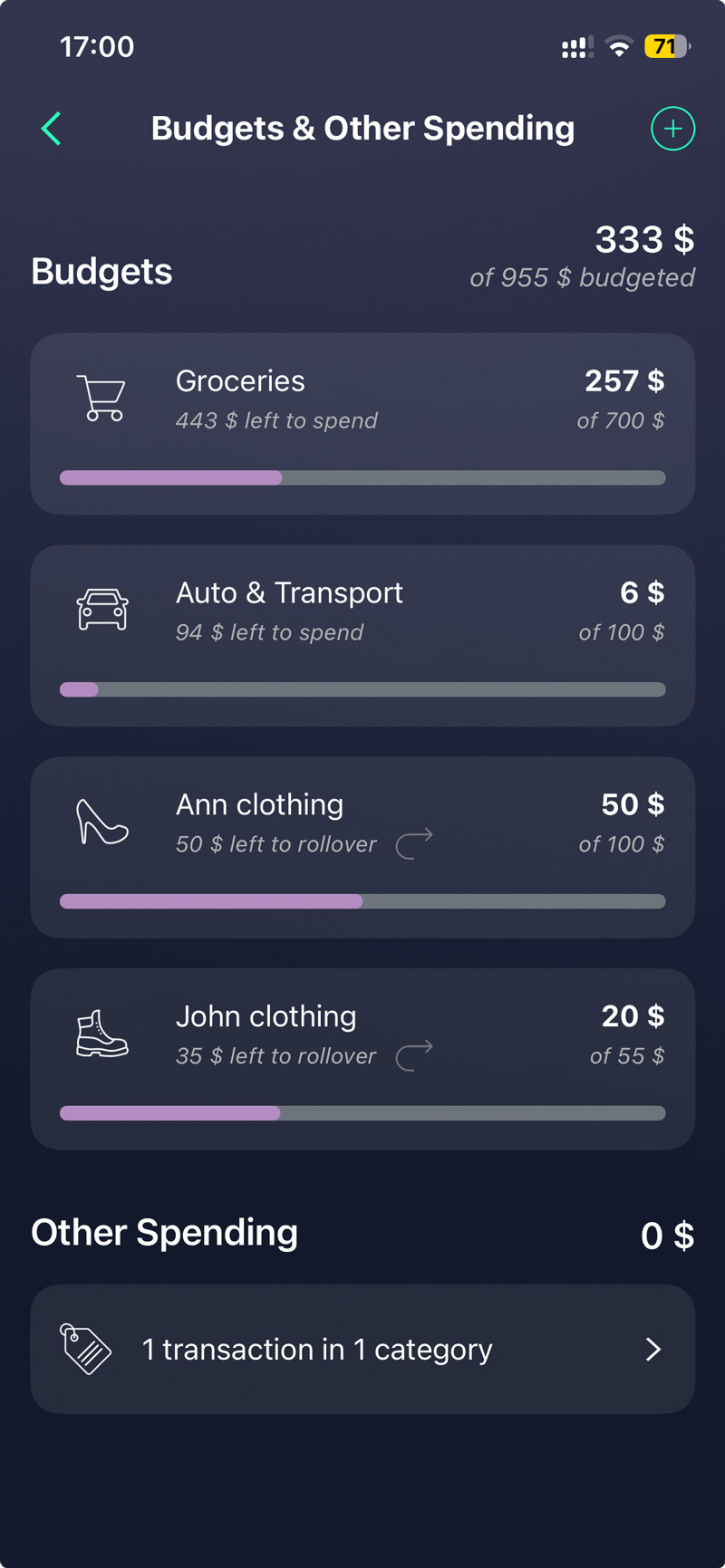
Unlimited category budgets with rollovers
Create as many Category budgets as you wish, each with the rollover option.
Find more information here: Category budgets, Rollover budget feature.
Unlimited transaction rules
Take total command of your money by creating flexible criteria that sort your finances exactly the way you prefer. Stop manual editing and let the app apply instant changes across both past and future transactions.
Find more information here: Transaction rules.
Split transactions into categories
Splitting a transaction may come in handy when you share a rent payment with a roommate, go for dinner with a friend, or want to break down that $200 spent at Target into multiple categories.
Find more information here: Split transaction.
Attach a receipt
Attach images to your transactions to add more details.
Find more information here: Track cash in PocketGuard.
Cash Tracking Features
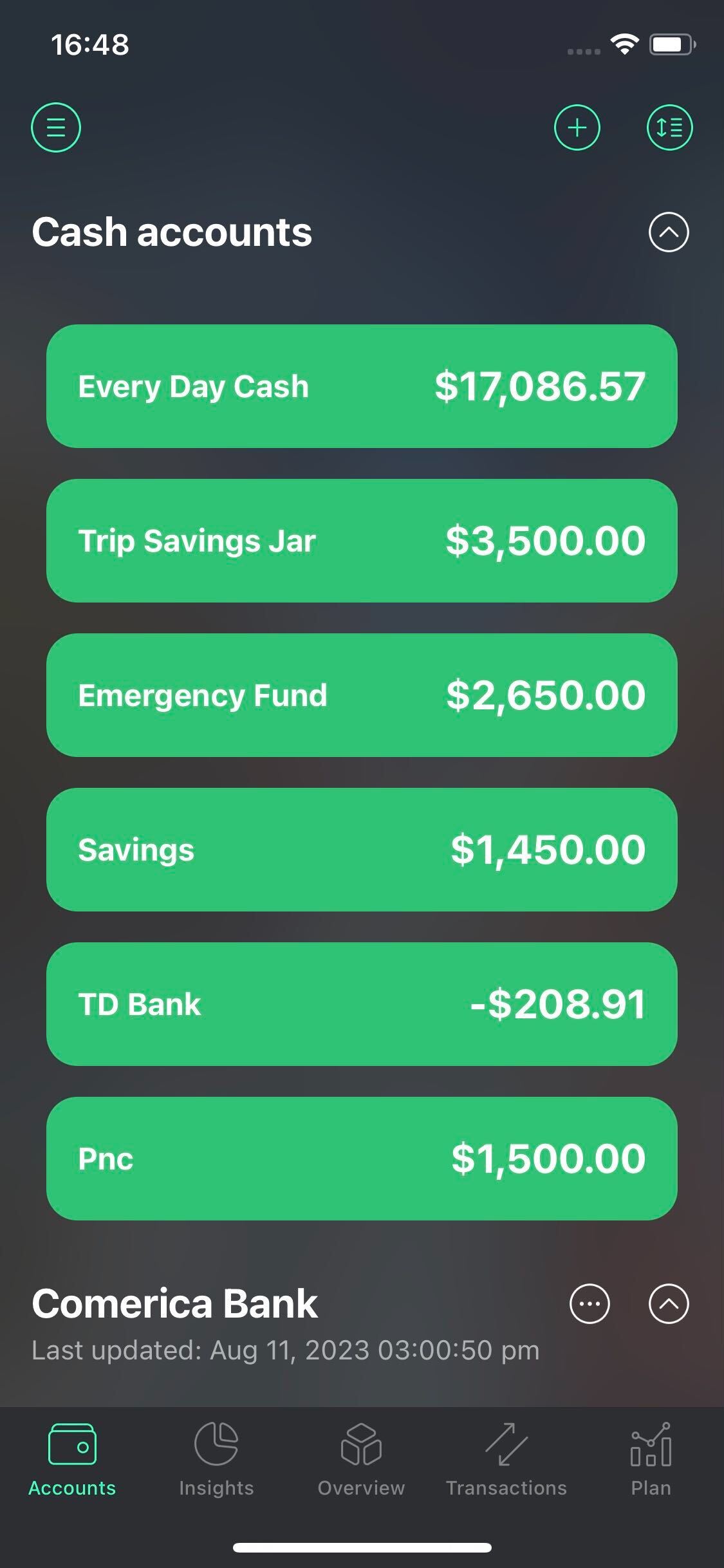
Multiple cash accounts
Now you can create up to 50 cash accounts. You’re also able to assign a particular cash transaction to any cash account.
Find more information here: Track cash in PocketGuard.
Cash transfers
Transfer cash money between cash accounts in seconds. No need to create transfer transactions on different accounts.
Find more information here: Track cash in PocketGuard.
Auto-repeat bills & income
Put your bills and income on autopilot. Automate manual tracking operations and let PocketGuard create cash transactions based on your needs.
Find more information here: Track cash in PocketGuard.
Is PocketGuard Plus worth it?
PocketGuard Plus is ideal if you want more control, automation, and flexibility in managing your finances, especially if you track multiple accounts, budgets, or financial goals.